Set up 5/3/1 in LiftTrack
Set up the 5/3/1 workout plan in LiftTrack: training maxes for the four main lifts, one workout per lift each week, and a routine that repeats the cycle.
On this page
The main lift in each 5/3/1 workout is set in % of TM, so its weights come from your training max. When you raise a training max after a cycle, all 16 workouts update together.
Before you start
- Premium, to save more than 3 workouts. 5/3/1 uses 16: one per main lift in each of the 4 weeks.
- A training max for your squat, bench press, deadlift and overhead press. The 5/3/1 program sets it at 90% of your one rep max.
Set your training maxes
- Go to HomeProfileTraining Maxes.
- Tap the add button, then choose your squat exercise.
- In Set Training Max, enter the weight, then tap Save.
- Repeat for your bench press, deadlift and overhead press.
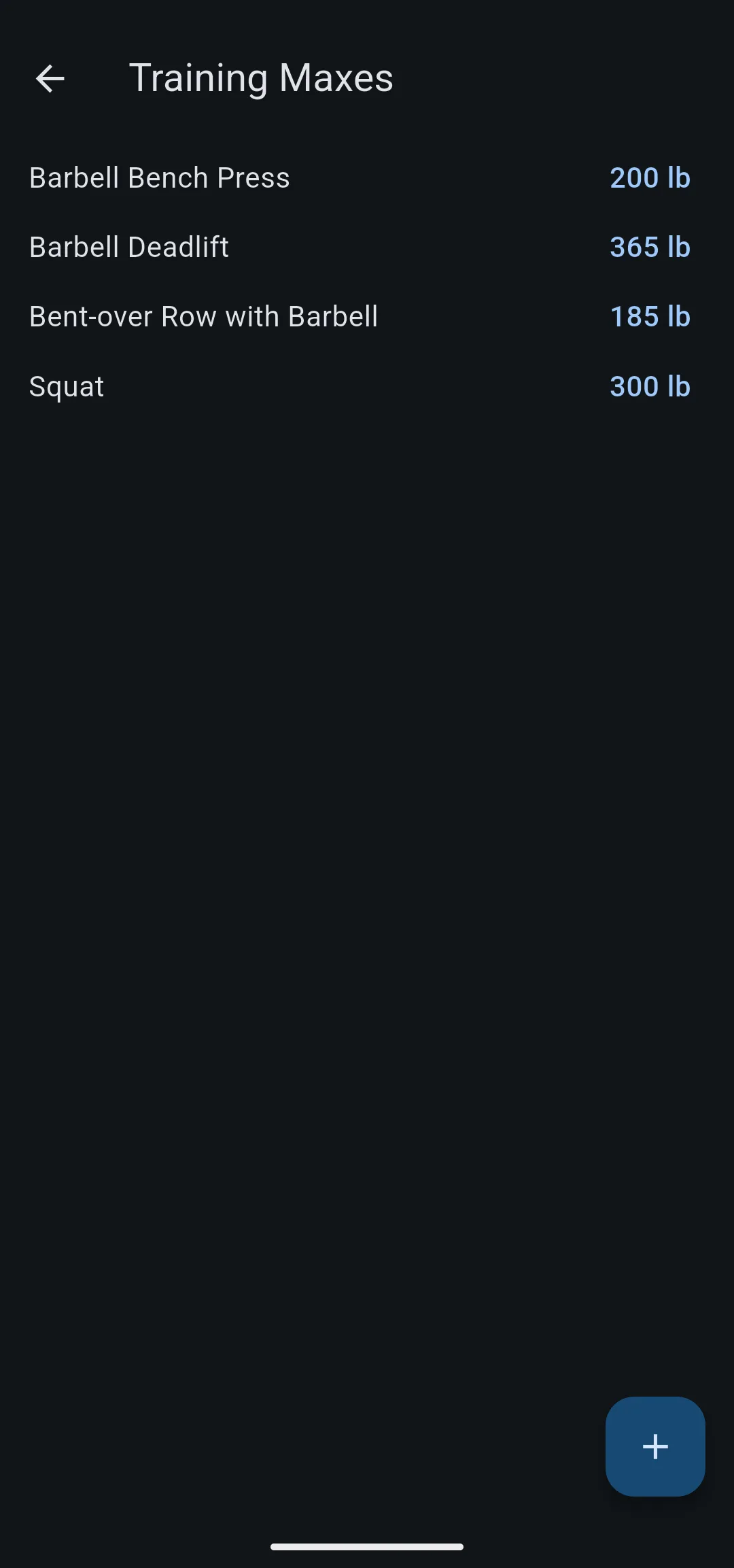
Each lift appears on the Training Maxes screen with its weight. Use these same exercises in your workouts: a training max belongs to one exercise, so a different squat variation has its own.
Build the week 1 workouts
Build one workout per main lift for week 1, for example “Squat Week 1”. For the basics of the editor, see how to build a workout.
- Optional: on the Workouts tab, tap the new folder icon, enter a name such as “5/3/1”, then tap Create. When you create each workout, choose this folder.
- On the Workouts tab, tap New Workout, enter a title, and add the main lift.
- On the main lift’s card, tap LBS (or KGS), then choose % of TM. If the exercise has no training max yet, LiftTrack asks for one first.
- Make sure the main lift has 3 sets. Tap the first set’s percentage, move the slider to the percentage, then tap Done. Repeat for the other 2 sets.
- Enter the reps for each set.
- Add your accessory exercises, with weights in lb or kg as usual.
- Tap Save.
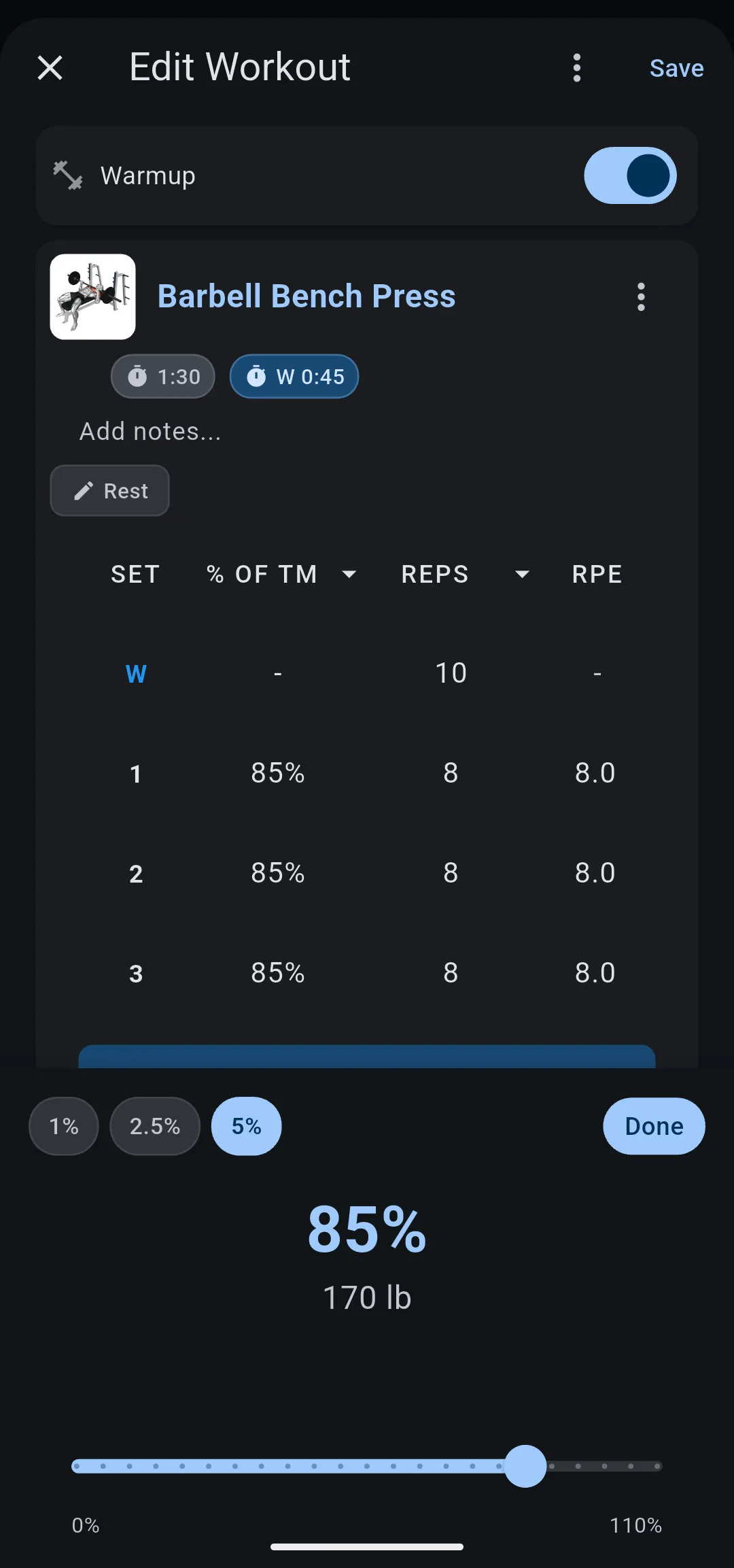
Use these percentages and reps for the main lift:
| Week | Set 1 | Set 2 | Set 3 |
|---|---|---|---|
| 1 | 65% × 5 | 75% × 5 | 85% × 5 |
| 2 | 70% × 3 | 80% × 3 | 90% × 3 |
| 3 | 75% × 5 | 85% × 3 | 95% × 1 |
| 4 | 40% × 5 | 50% × 5 | 60% × 5 |
LiftTrack has no separate set type for the last set of weeks 1 to 3, where you do as many reps as you can. Enter the reps from the table, and log the reps you actually did when you track the workout.
Each weight is your training max times the percentage, rounded to the plates you set in Weight rounding. For the details, see how training maxes work.
Copy the workouts for weeks 2 to 4
Duplicating a workout keeps its exercises, so each later week only needs new percentages and reps.
- On the Workouts tab, tap the options icon on a week 1 workout.
- Tap Duplicate. The copy appears in the same folder, with “(copy)” after its name.
- Tap the copy, then tap Edit.
- Rename it, for example “Squat Week 2”, and change the main lift’s percentages and reps to the next week in the table.
- Tap Save.
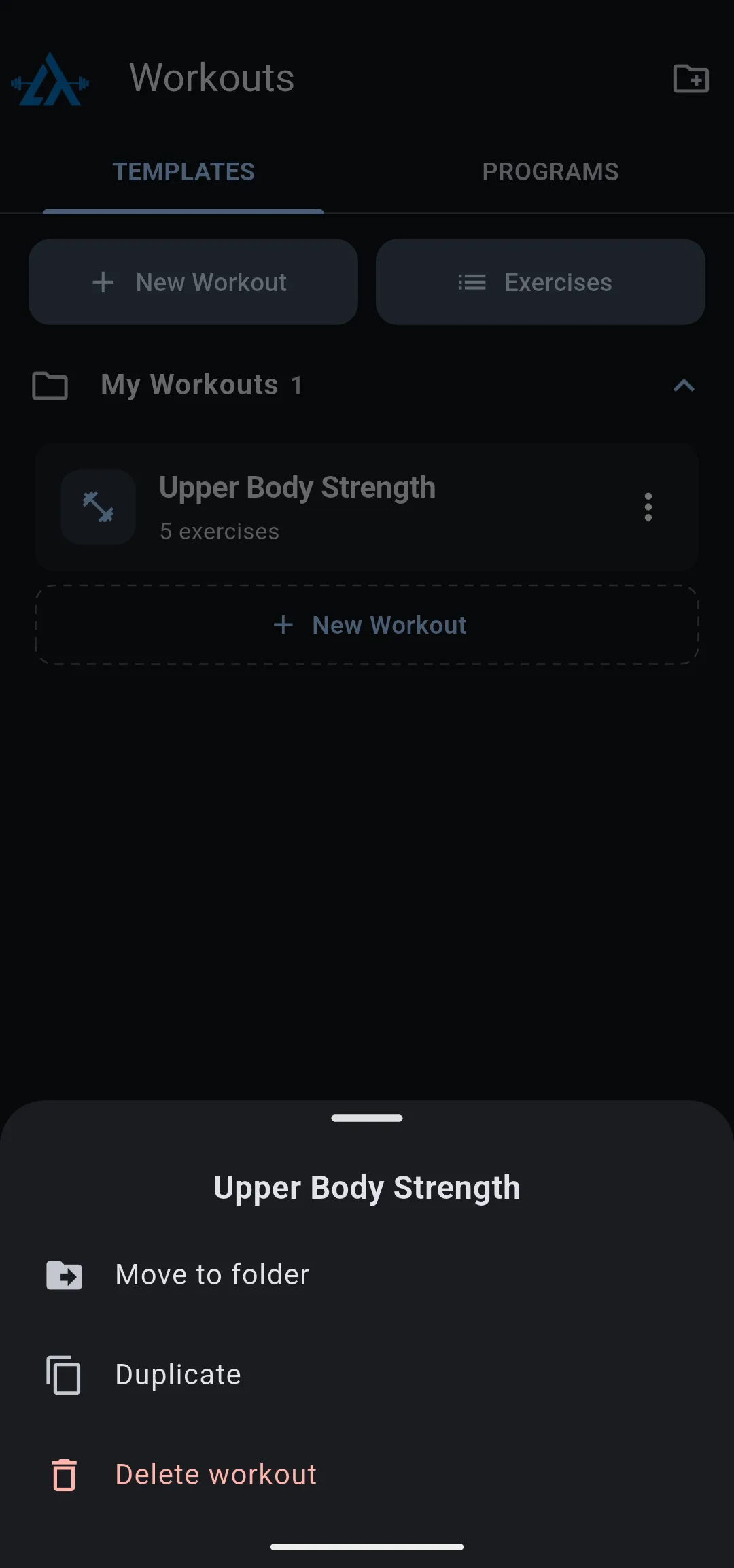
Repeat until each main lift has a workout for weeks 1, 2, 3 and 4.
Schedule the 4 week cycle
A 4 week routine puts each week’s workouts on your training days, then starts again at week 1. For more on routines, see how to schedule your workouts.
- On the Home tab, tap the calendar icon. The Routine screen opens.
- Tap Add Week 2, then tap the plus icon in the week strip twice to add weeks 3 and 4.
- Tap Week 1. Under each training day, tap Add workout and choose that day’s week 1 workout.
- Repeat for Week 2, Week 3 and Week 4 with their workouts.
- Tap Week 1, tap its options icon, then tap Set as current week.
- Tap Save.
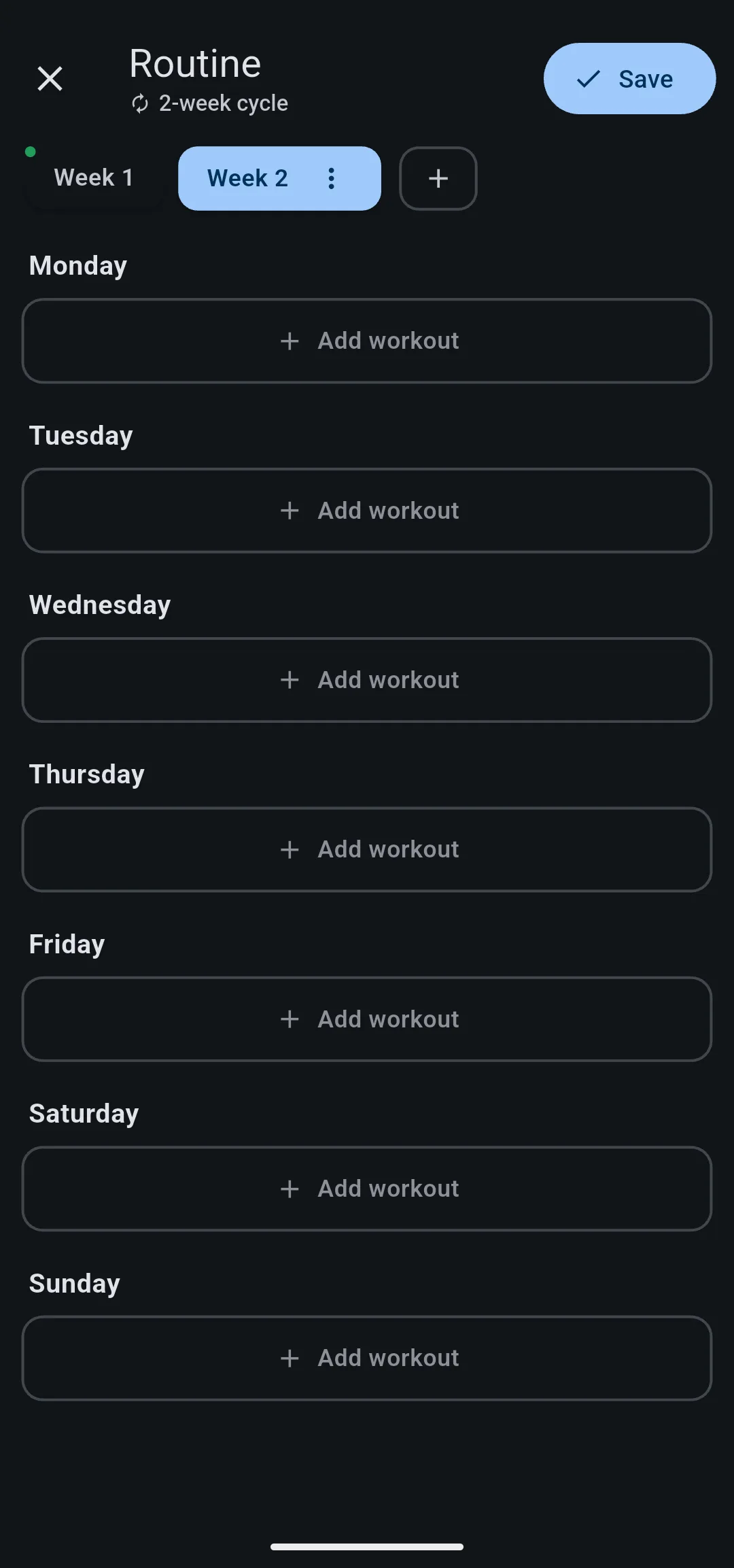
The subtitle under Routine reads 4-week cycle, and this week’s workouts appear on the Home tab.
Raise your training maxes after each cycle
5/3/1 raises each training max at the end of every 4 week cycle. The bench press and overhead press go up 5 lb (2.5 kg), and the squat and deadlift go up 10 lb (5 kg).
- Go to HomeProfileTraining Maxes.
- Tap the weight next to an exercise.
- Enter the new training max, then tap Save.
LiftTrack recalculates the weights in every workout that uses that exercise in % of TM. If your Garmin is connected, LiftTrack sends the updated workouts to Garmin Connect, and your watch gets the new weights on its next sync.


