Fix a workout that is not on your watch
What to check when a LiftTrack workout is not on your Garmin watch, most likely fix first, starting from the Garmin sheet on the workout.
On this page
- If the Garmin sheet reads On Garmin Connect
- If the Garmin sheet reads Garmin needs reconnecting
- If the Garmin sheet reads Couldn’t send to Garmin Connect
- If the sheet says a calendar date needs another try
- If the Garmin sheet reads Not on Garmin Connect
- If the Garmin sheet reads Garmin not connected
- If none of these fixed it
When a workout is missing from your watch, the usual cause is that your watch has not synced with Garmin Connect since LiftTrack sent it. The Garmin sheet on the workout tells you which case you are in: on the Workouts tab, tap the workout, then tap Garmin.
- The workout’s Garmin sheet reads On Garmin Connect.
- Your watch has synced with the Garmin Connect app since then.
- The workout is in your watch’s workouts list.
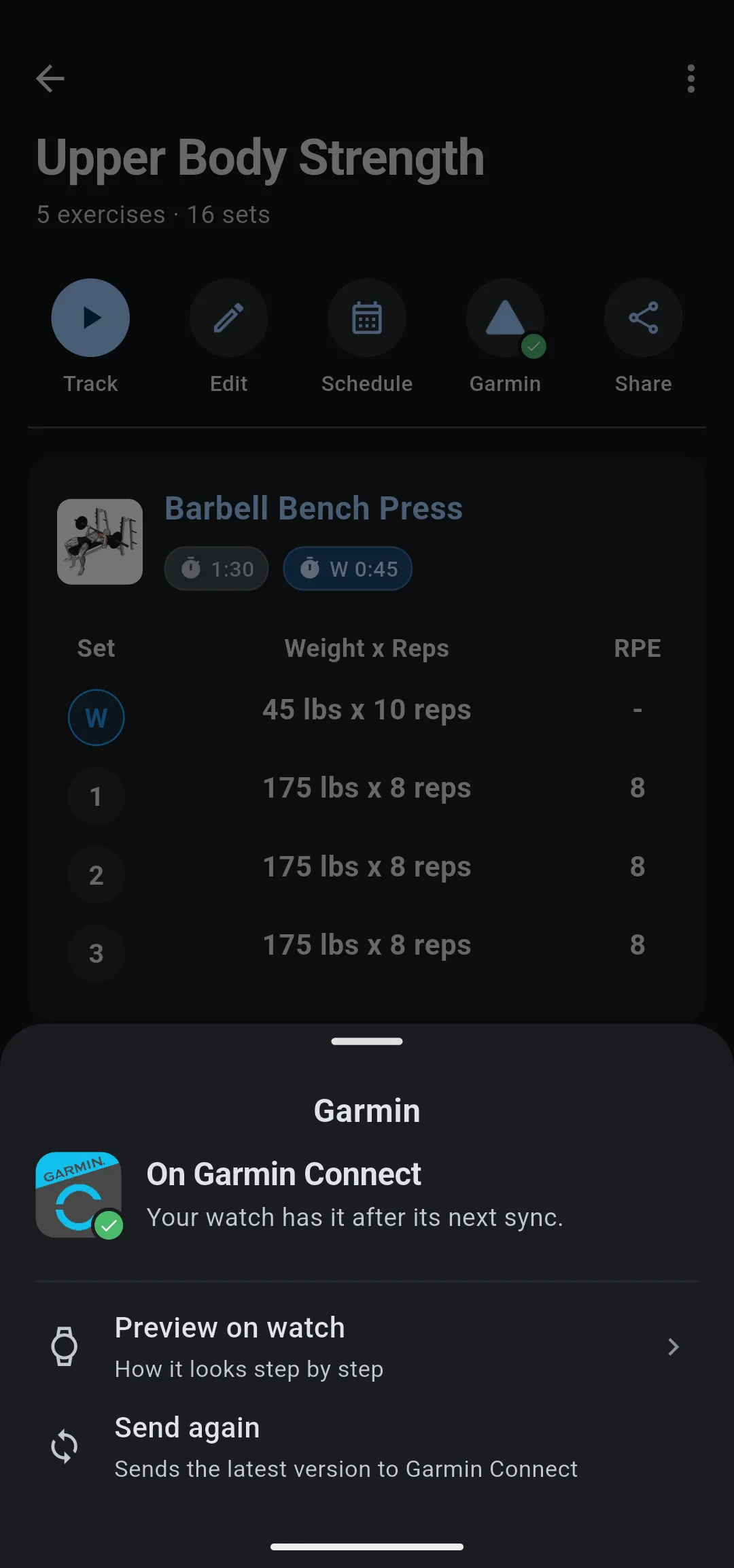
If the Garmin sheet reads On Garmin Connect
Garmin Connect has the workout, and your watch gets it on its next sync with the Garmin Connect app.
- Open the Garmin Connect app on your phone so your watch syncs with it.
- On your watch, open the workouts list. Garmin’s guide to the Workouts app shows where your model keeps it.
If the watch shows an older version of the workout, tap Send again on the Garmin sheet, then sync the watch again. Send again sends the latest version to Garmin Connect.
If the Garmin sheet reads Garmin needs reconnecting
Your Garmin link expired, so LiftTrack stopped sending workouts. The Garmin button on the workout carries an amber ! badge.
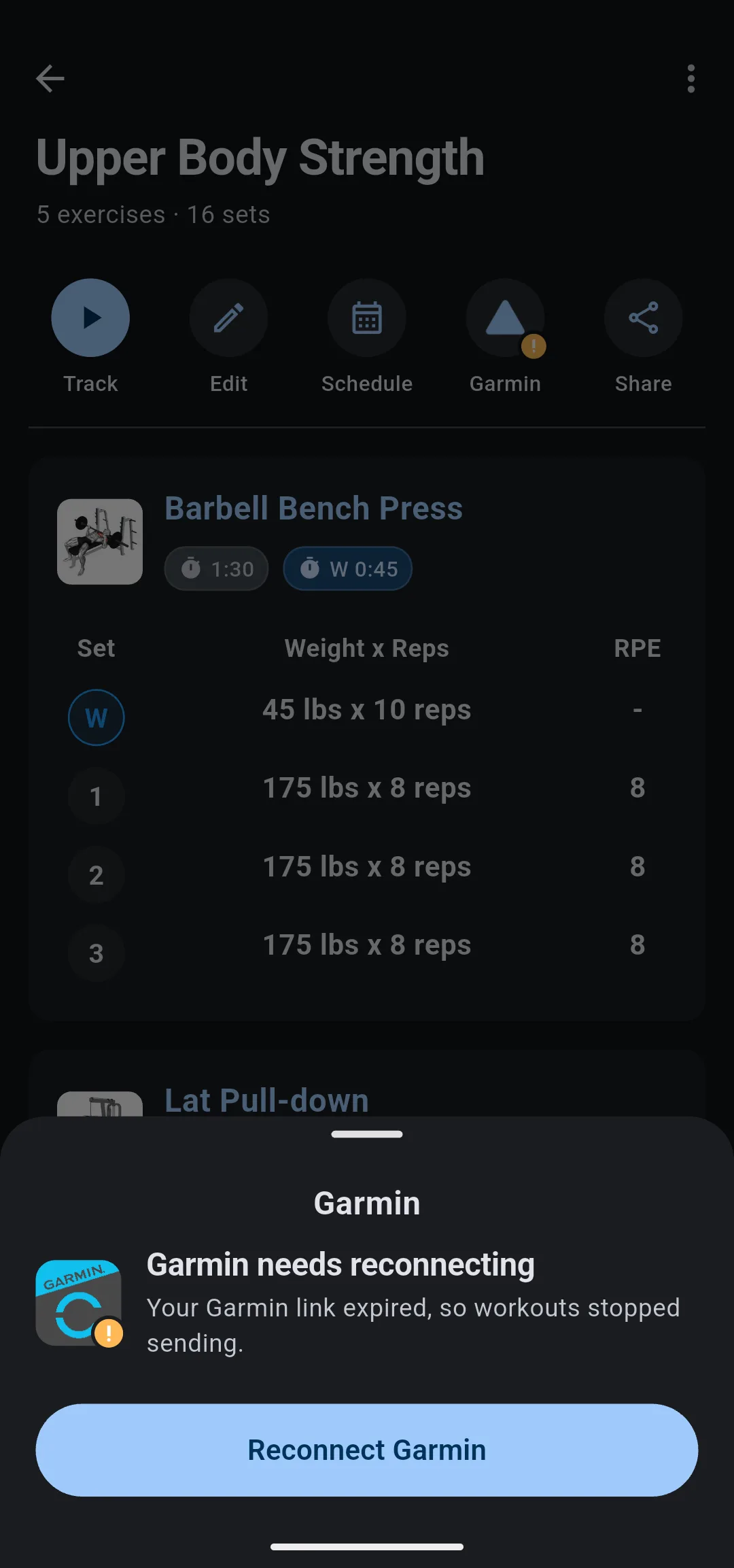
- On the Garmin sheet, tap Reconnect Garmin. Your browser opens Garmin’s sign in page.
- Sign in to Garmin and allow LiftTrack access. The browser returns you to LiftTrack.
LiftTrack then sends every workout that stopped sending while the link was expired, so you don’t need to reconnect each one. The sheet reads On Garmin Connect once Garmin accepts the workout; sync your watch after that.
If the Garmin sheet reads Couldn’t send to Garmin Connect
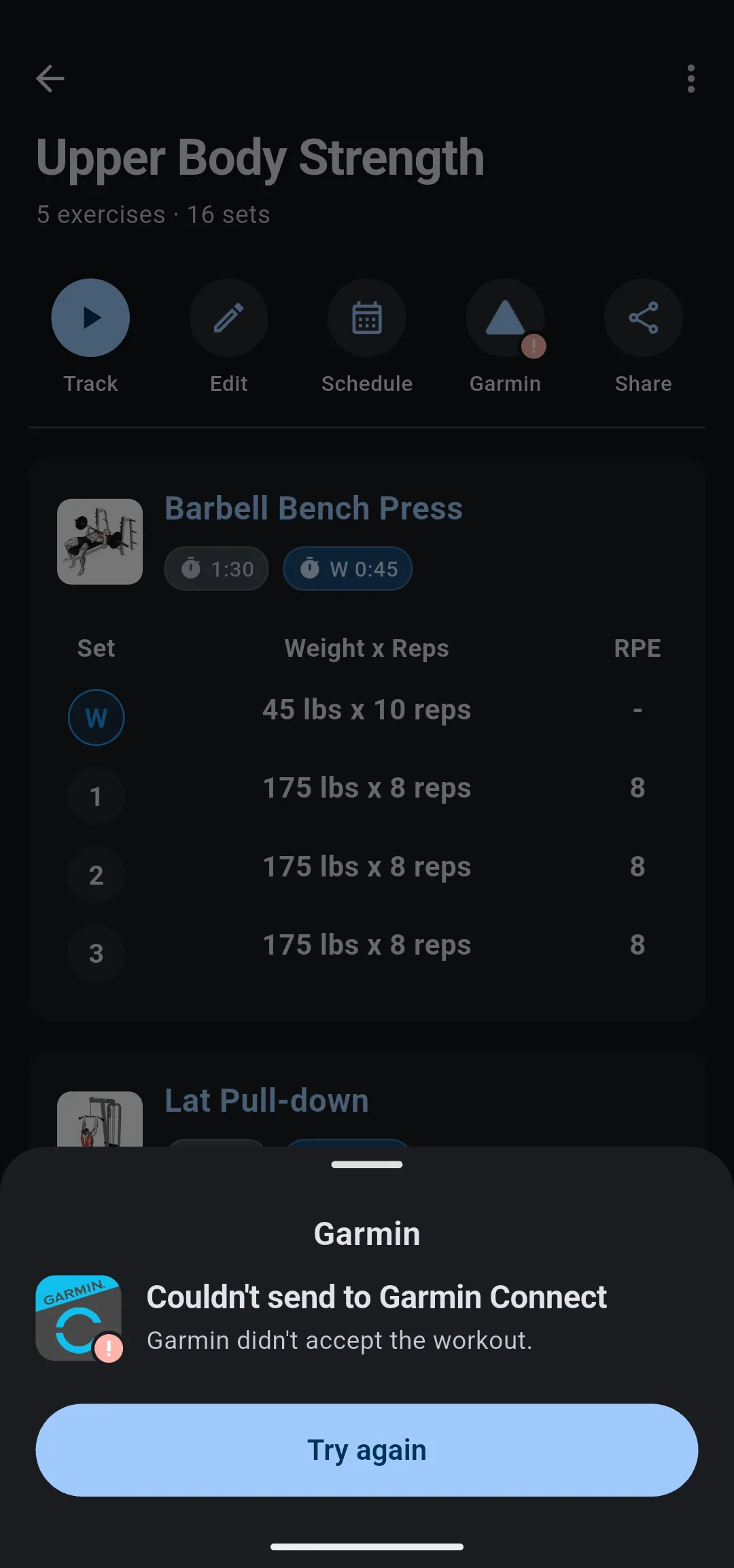
Garmin did not accept the workout. The Garmin button on the workout carries a red ! badge, and on the Workouts tab the workout shows a red Garmin badge next to its exercise count.
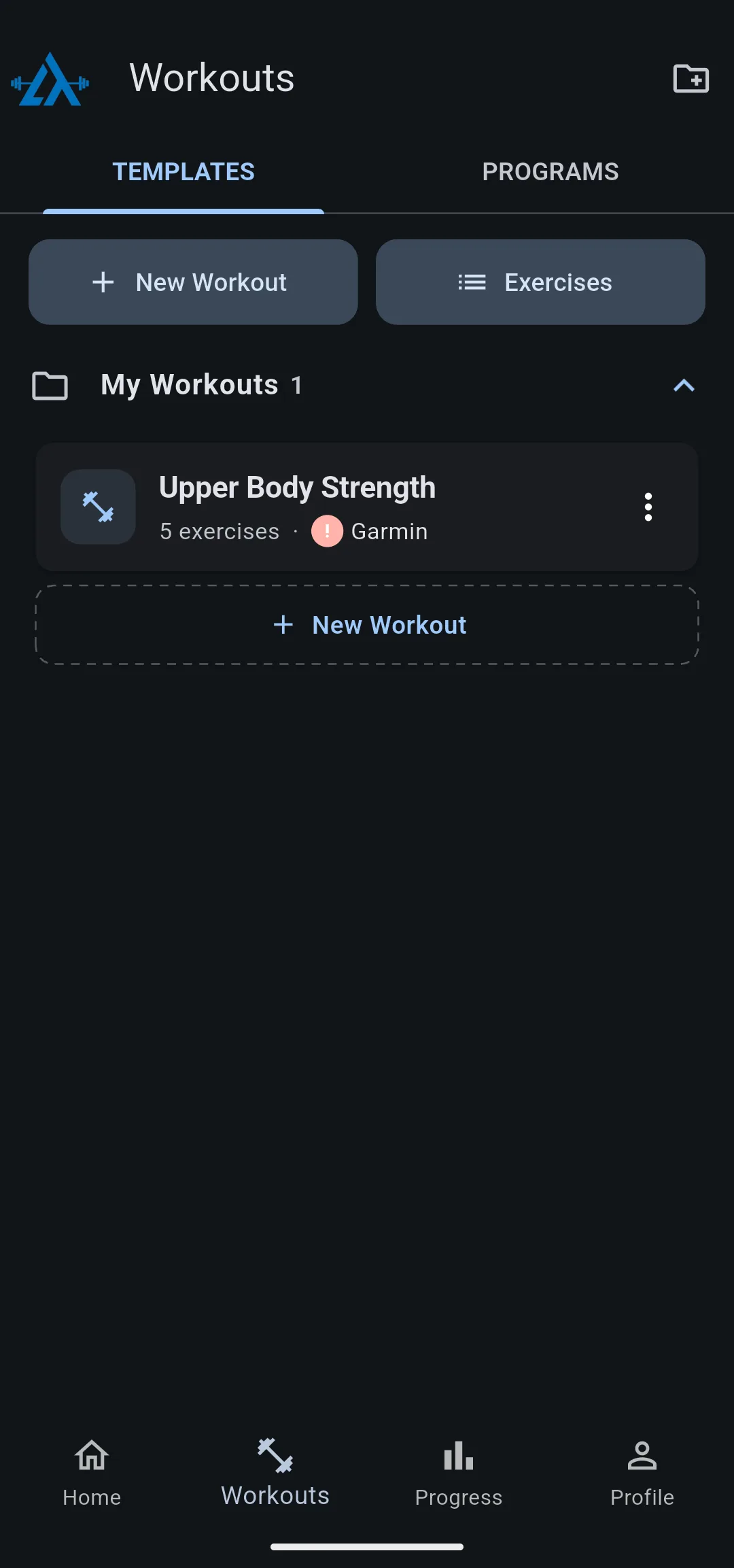
- On the Workouts tab, tap the workout.
- Tap Garmin, then tap Try again. The sheet reads Sending to Garmin Connect… while LiftTrack sends it.
The sheet reads On Garmin Connect when Garmin accepts it. If the send fails again, LiftTrack shows Could not sync Garmin. Try again. at the bottom of the screen; go to the last section.
If the sheet says a calendar date needs another try
A workout you schedule also goes on your Garmin Connect calendar for that day. When the workout reached Garmin Connect but the calendar entry did not, the sheet still reads On Garmin Connect and adds 1 calendar date needs another try.
- On the Home tab, tap the workout on the day you scheduled it.
- Tap Garmin, then tap Send again. LiftTrack sends the workout and that day’s calendar entry again.
The red badge on Garmin clears once the calendar entry arrives. Sync your watch to see it on that day.
If the Garmin sheet reads Not on Garmin Connect
LiftTrack has not sent this workout yet. On the Garmin sheet, tap Send to Garmin, then sync your watch once the sheet reads On Garmin Connect.
If the Garmin sheet reads Garmin not connected
No Garmin account is connected to LiftTrack, so no workouts go to your watch. Tap Connect Garmin and sign in to Garmin. To set up the connection from the start, see send your LiftTrack workouts to your Garmin watch.
If none of these fixed it
Contact support with the name of the workout, your watch model, and the exact words on the workout’s Garmin sheet. To understand how a workout travels from LiftTrack to your watch, see how Garmin sync works. Contact support


