Connect LiftTrack to Strava
Connect your Strava account in LiftTrack so each strength activity from your Garmin shows your exercises, sets, reps and volume on Strava.
LiftTrack does not upload a second activity to Strava. It fills in the Weight Training activity that Garmin Connect already sends there, so your feed keeps one entry per session.
Before you start
- Your Garmin connected to LiftTrack
- Garmin Connect connected to Strava, so your strength activities reach Strava. Strava’s guide to Garmin and Strava shows how to connect them.
- A Strava account
Connect Strava
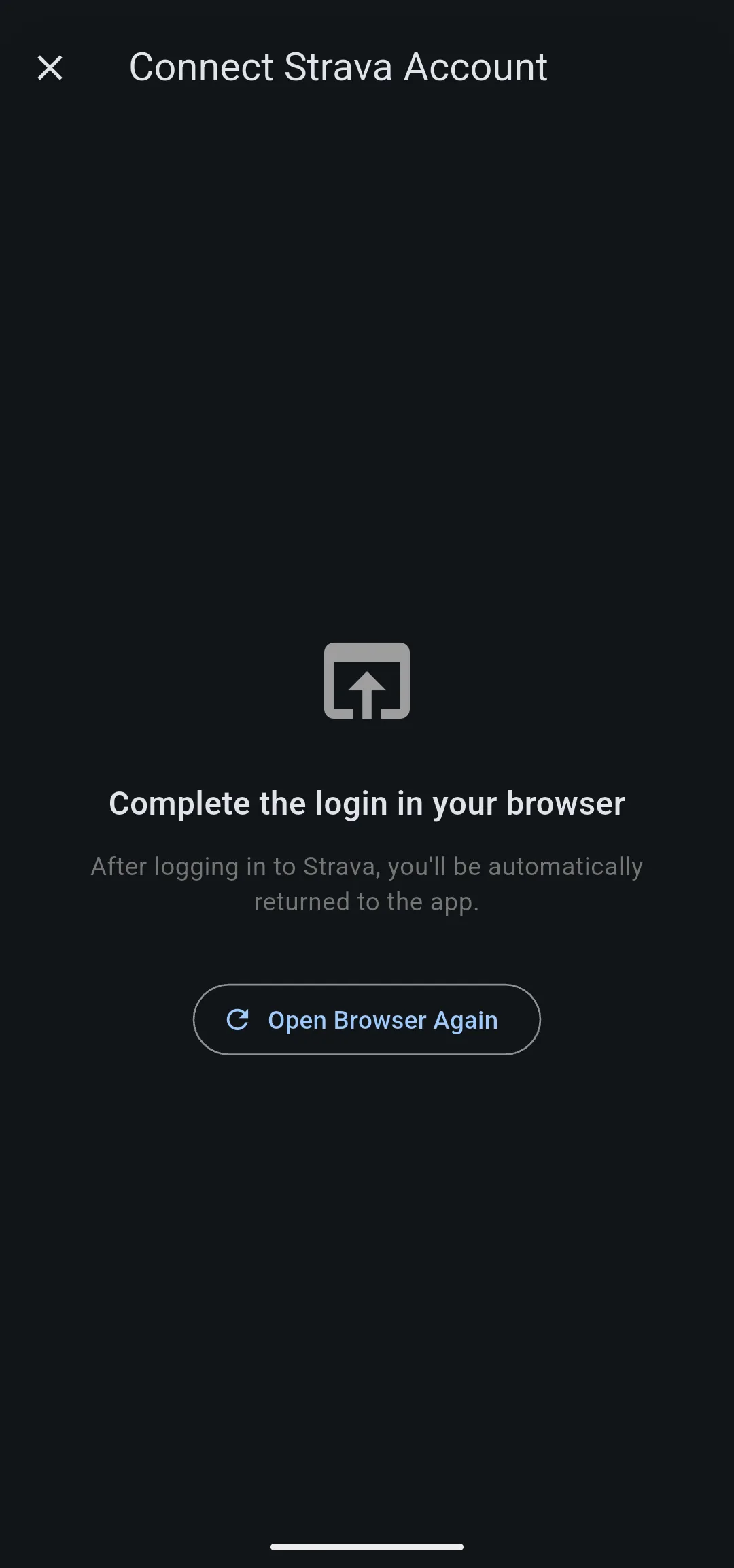
- Go to ProfileConnections and tap Connect Strava Account. Strava’s sign in page opens in your browser, or in the Strava app if you have it.
- Sign in to Strava and approve LiftTrack’s access. LiftTrack asks to read your activities and to write to them.
- Strava sends you back to LiftTrack. The row in Connections now reads Unlink Strava Account.
LiftTrack also offers Strava once, after your first tracked session, on the Share Your Lifting Stats on Strava screen. Tap Link to Strava there for the same steps, or Maybe Later to connect from Profile later.
What LiftTrack adds to Strava
When a session from your Garmin reaches your History and the matching activity reaches Strava, LiftTrack updates the Strava activity:
- Name: the workout name, with LiftTrack in front of it.
- Description: total volume, the number of exercises and working sets, then each exercise with its sets as reps and weight, such as 3×8 @ 135lbs.
Only working sets count; warmup sets are left out. Weights use the unit set in Workout Settings, kg or lbs.
When you edit a completed workout in LiftTrack, the Strava description updates to match.
Sessions you track on your phone in LiftTrack have no Garmin activity, so nothing appears on Strava for them. The description only covers activities recorded after you connect.
Unlink Strava
- Go to ProfileConnections and tap Unlink Strava Account.
- In the Unlink Strava Account dialog, tap Unlink.
LiftTrack stops updating your Strava activities until you connect again. The row goes back to Connect Strava Account.


