Share and import workouts
Share a LiftTrack workout as a link from its workout screen, and import a workout someone shared with you to train from it and send it to your Garmin.
The link carries a copy of the workout as it is when you share it. Changes you make later stay in your own copy.
Share a workout
- On the Workouts tab, tap the workout. The workout screen opens.
- Tap Share. Your phone’s share sheet opens with the message Check out this workout and the link.
- Choose the app to send it with, such as Messages, WhatsApp or email, and send it.
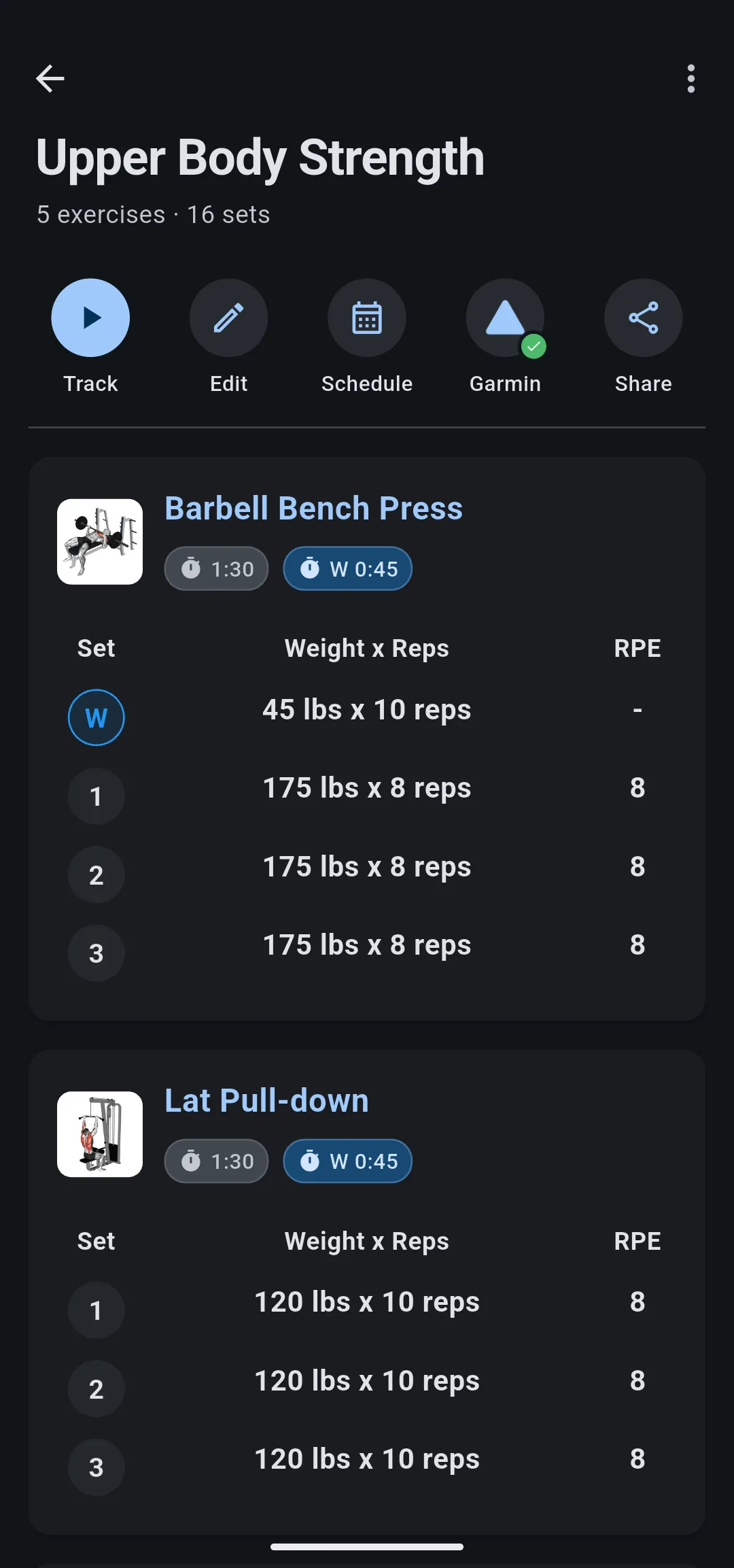
Anyone with the link can import the workout. Sharing leaves your workout as it is, and deleting it later does not remove the copies other people imported.
If the app shows Could not share workout, tap Share again.
Import a shared workout
- Tap the workout link on your phone. LiftTrack opens the shared workout with its exercises, sets and rest times.
- Tap Add to My Workouts.
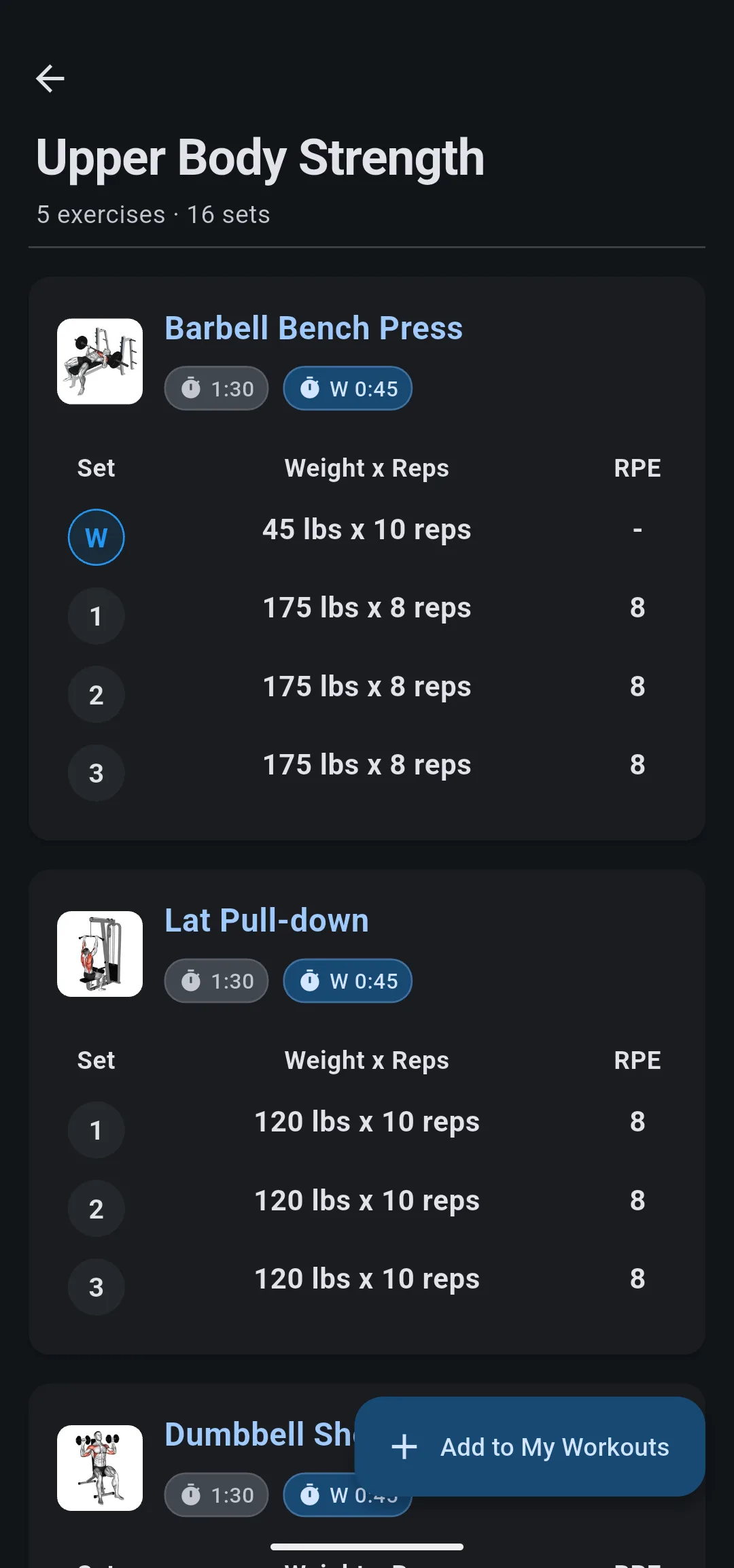
LiftTrack shows Workout successfully added to your library! and closes the shared workout. The workout is in the My Workouts folder on the Workouts tab, where you can move it to another folder.
If your Garmin is connected, LiftTrack also sends it to Garmin Connect.
If LiftTrack is not installed, the link takes you to download it. Once you install LiftTrack and sign in, the shared workout opens. If you are not signed in when you tap the link, the shared workout opens after you sign in.
What comes with an imported workout
The imported workout is your own copy: edit, rename, schedule or delete it without changing the original. Along with the exercises and sets, LiftTrack brings over:
- Custom exercises. LiftTrack adds each custom exercise in the workout to your exercises. If you already have a custom exercise with the same name, the workout uses yours.
- Progressions. Each exercise keeps the progression the sender set, so the weight or reps change after your sessions the same way. See how progressions work.
- Percentage based weights. For an exercise set as a percentage of a training max, LiftTrack calculates the weights from your training max for that exercise. If you have none, LiftTrack creates one from the sender’s weights.
If the import fails with Something went wrong, tap the link again and tap Add to My Workouts.


