Get your workouts into LiftTrack
Build your first workout by hand, with real exercises, sets and weights, ready to track on your phone or send to your Garmin. About 5 minutes.
On this page
You start on an empty Workouts tab and finish with a saved workout called Push Day. It has Barbell Bench Press for 3 sets of 8 and Incline Dumbbell Bench Press for 3 sets of 10. Use your own lifts and numbers if you already have a plan on paper.
Before you start
- The LiftTrack app, signed in. A free account can create 3 workouts of its own; a fourth needs Premium. Workouts that come with a program do not count toward the 3.
- The weights you lift today, or a starting guess. You can change every number later.
- Optional: a Garmin watch connected to LiftTrack, if you want the workout on your wrist.
Create the workout
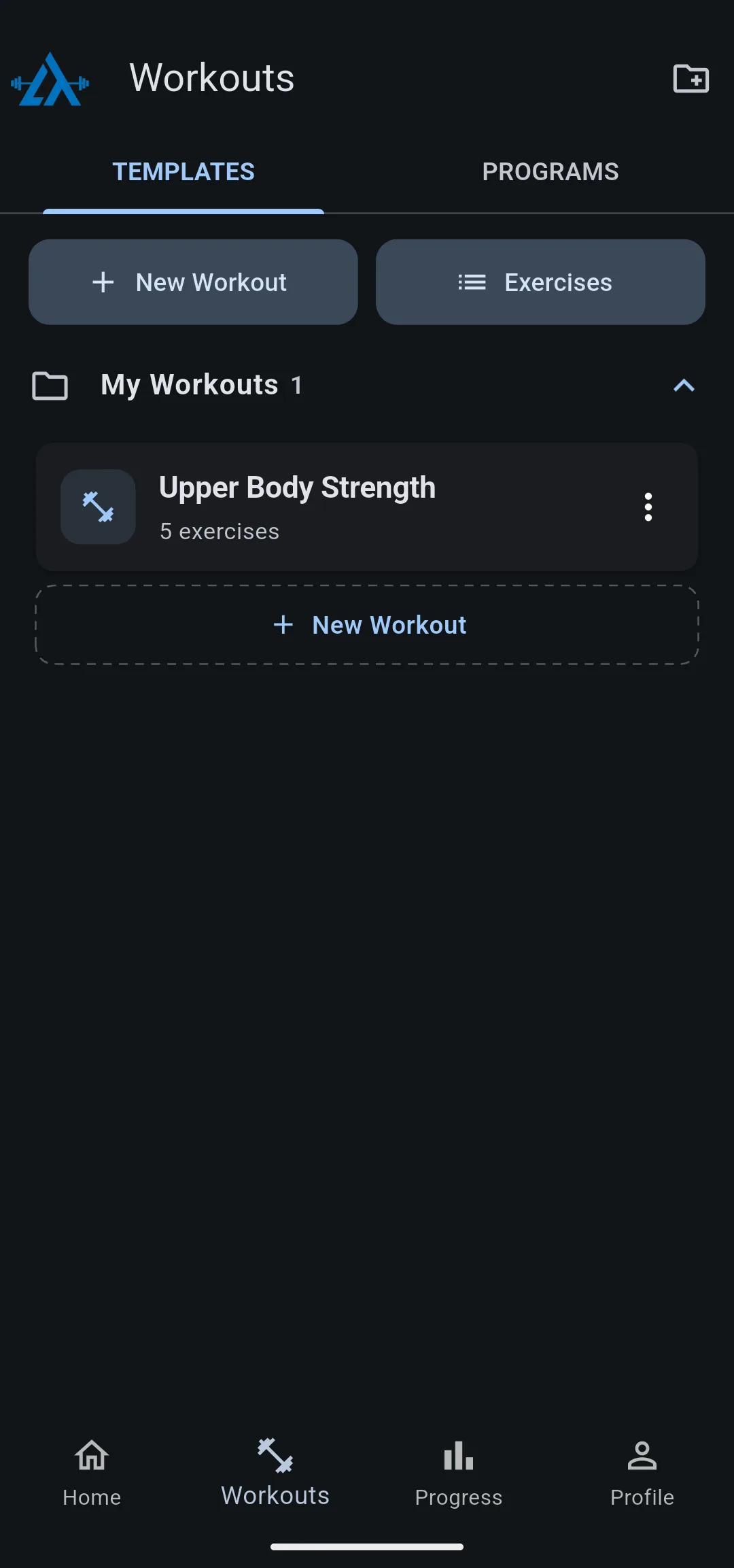
- Open the Workouts tab. With no workouts yet, it reads No workouts yet.
- Tap New Workout. The Edit Workout screen opens.
- If LiftTrack asks you to Select Weight Unit, tap KG or LB. Every weight in the app uses this unit.
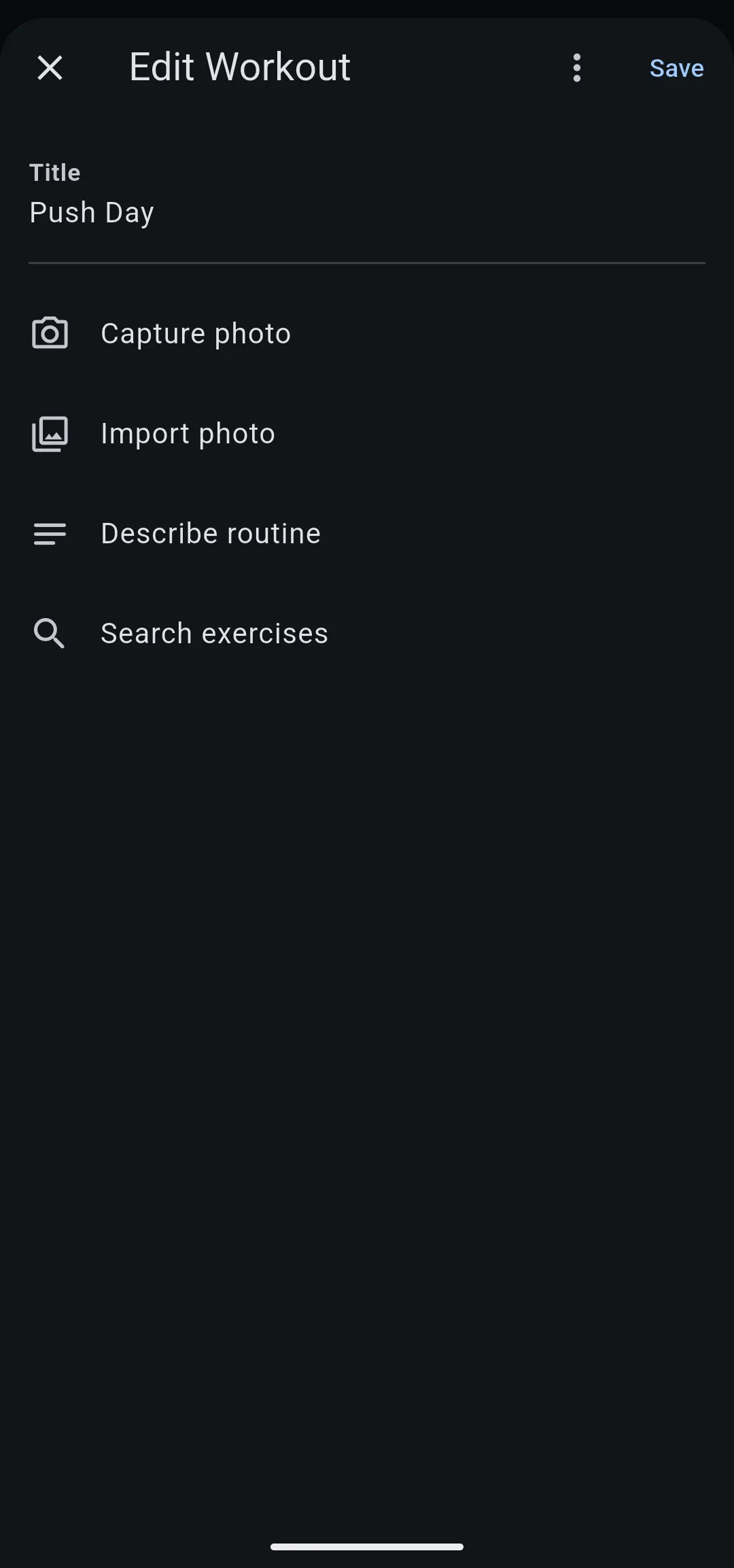
- In Title, enter
Push Day. Save stays unavailable until the workout has a title.
The empty workout now offers Capture photo, Import photo, Describe routine and Search exercises.
Add your exercises
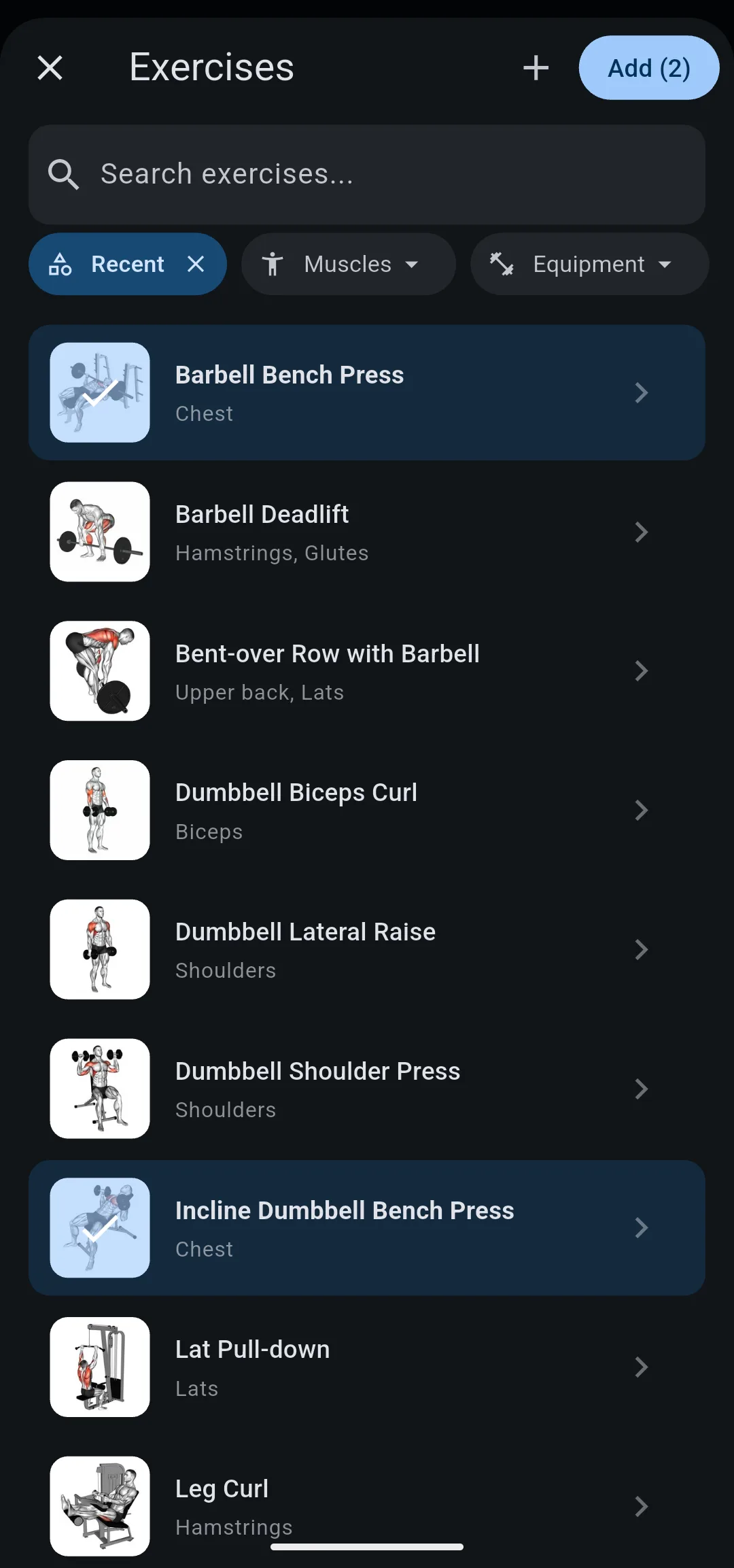
- Tap Search exercises. The Exercises screen opens.
- In Search exercises…, enter
bench press. - Tap Barbell Bench Press, then tap Incline Dumbbell Bench Press. Each chosen exercise is highlighted, and the add button now reads Add (2).
- Tap Add (2). Both exercises appear on Edit Workout as cards, in the order you chose them.
- 1 Tap New Workout
On the Workouts tab.
- 2 Name it Push Day
Then tap Search exercises.
- 3 Choose two exercises
Tap each one, then tap Add (2).
Set the weight and reps
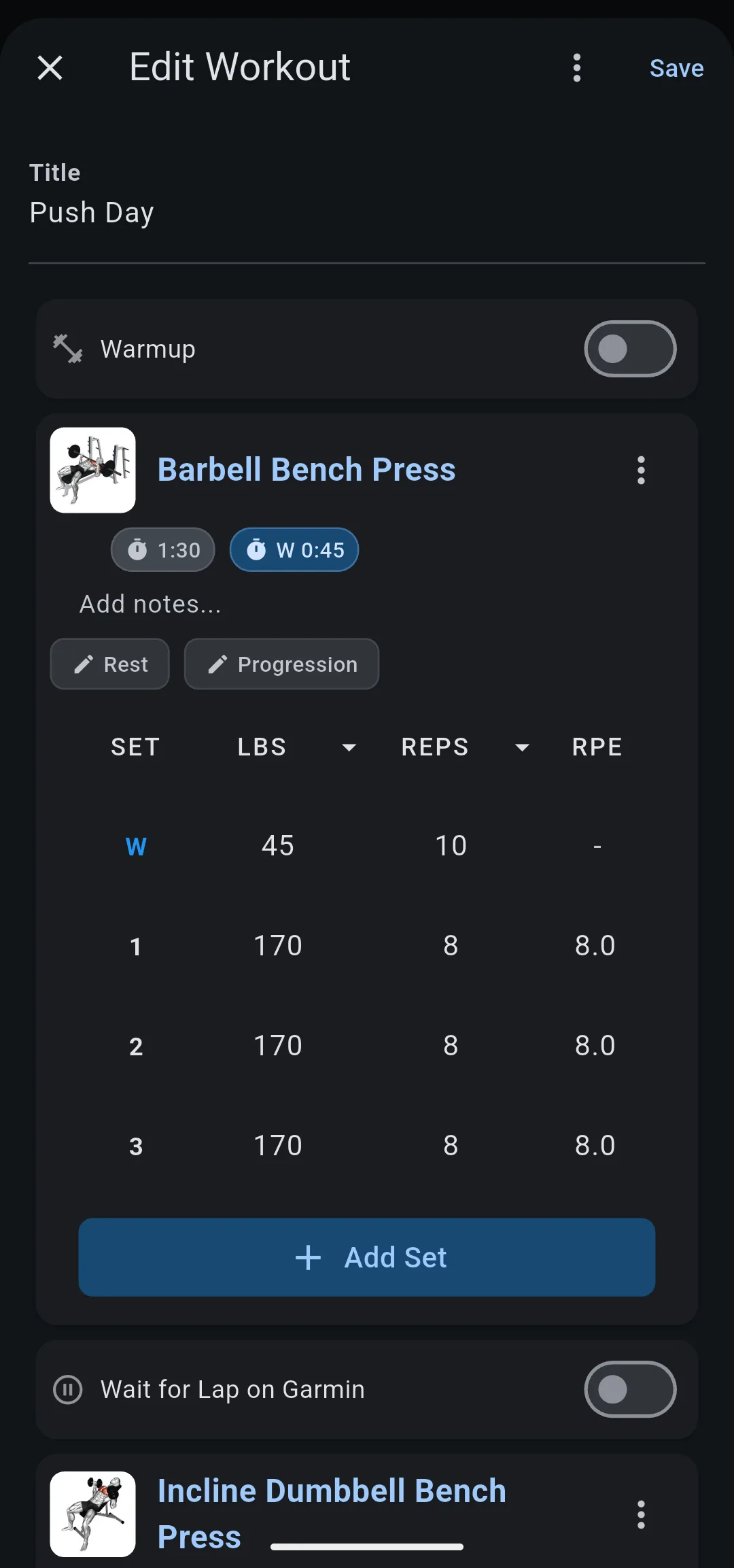
Each new card starts with one set. For an exercise you have done in LiftTrack before, the card copies the sets from your last session instead.
- On the Barbell Bench Press card, tap the weight in set 1 and enter
170lb (or77.5kg). - Tap the reps in set 1 and enter
8. - Tap Add Set twice. Each new set copies the previous set, so the card now shows 3 sets of 8 at 170 lb.
- On the Incline Dumbbell Bench Press card, enter
50lb (or22.5kg) and10reps in set 1, then tap Add Set twice.
Save the workout
- Tap Save. Edit Workout closes.
- On the Workouts tab, Push Day is now in the My Workouts folder, listed with 2 exercises.
- Tap Push Day. The workout opens with Track, Edit, Schedule, Garmin and Share under its name.
You now have a saved workout you can do again every session. To set the rest between sets or pair exercises, see how to build a workout.
To have LiftTrack raise the weight for you, add a progression to an exercise.
As you save more workouts, you can organize workouts into folders, one per split or training block.
Take it to the gym
- Track it on your phone: open Push Day and tap Track. The first time, LiftTrack asks where to track; tap Track in LiftTrack, then check off each set as you finish it. See how to track a workout on your phone.
- Send it to your Garmin: with your watch connected, LiftTrack sends each workout you save to Garmin Connect. See how to send a workout to your watch.
Other ways to get your workouts in
- Import a shared workout: open a LiftTrack share link from a friend or coach and tap Add to My Workouts. Share and import workouts
- Start from a photo or a description: on an empty Edit Workout screen, tap Capture photo, Import photo or Describe routine, and LiftTrack fills in the exercises. This needs Premium. Create a workout from a photo or description
- Follow a program: on the Workouts tab, open Programs and start a program with its workouts already built. Start a program


